


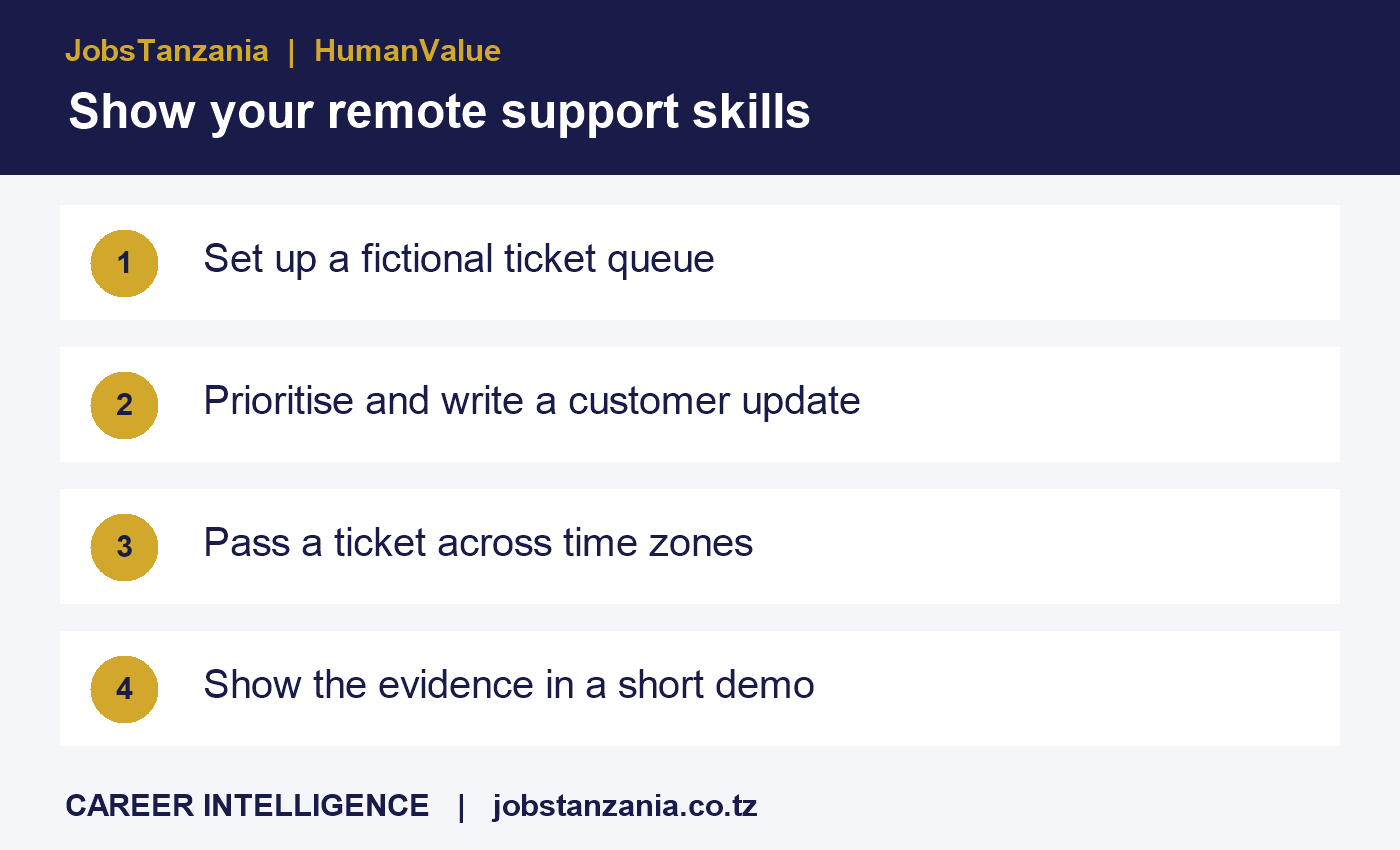
For a remote customer-support application, build a three-ticket portfolio that shows how you write, prioritise and hand over unresolved work. A recruiter can review the sample in minutes, and it gives you something concrete to explain at an interview. This guide uses fictional tickets for an online learning platform and works with a simple spreadsheet and shared document.
Choose three tickets that test different decisions
- Login problem: A learner cannot access a class starting soon. Acknowledge the time constraint, ask for the error message and use a secure identity-check process.
- Possible duplicate charge: A learner reports two charges. Record the claim and refer the evidence to the authorised reviewer. Explain when the next update will arrive.
- Missing enrolment confirmation: Several learners report the same issue. Link the related reports, record what is known and brief the team that can investigate.
Use invented names, references and screenshots. Put a short note at the top identifying the exercise as fictional. Use generic account references like DEMO-103 and keep card numbers, passwords and real customer conversations out of the sample.
Write the customer message and the internal handover
The customer message should acknowledge the issue, request the minimum information needed and name the next action. The internal record should tell the incoming teammate what was checked, what remains unknown, who owns the decision and when to follow up.
Sample internal handover: DEMO-103. Customer reports two charges for one enrolment. Account shows one confirmed enrolment. Finance review requested at 13:40 UTC. Next owner: billing queue. Check whether the second entry settled or is pending. Send an update by 16:00 UTC, even if the review is still open.
Write times with the time zone. For example, 16:00 UTC is 19:00 EAT. When a vacancy names a shift in another country, check the local conversion for the actual dates because some regions change clocks during the year. State your own availability clearly in the application.
Package the evidence for a five-minute review
Start with a one-page index. Link to the ticket register, a response for each ticket and one full handover. In a two-minute screen recording, show why you changed one ticket’s priority and how a teammate would pick up where you left off. Provide a short written walkthrough for readers who cannot watch the video.
Check your shared links in a private browser window before applying. Confirm the recruiter can view the file, that it contains only your demo material and that it does not require access to your personal drive. Add one CV bullet that explains your contribution, such as “Created a fictional remote-support portfolio with ticket prioritisation, customer updates and UTC handovers.”
Check location eligibility before applying
Read the employer’s vacancy page for permitted work locations, hours and required languages. “Remote” can describe how a team works while the vacancy remains limited to certain countries. Ask the employer to clarify ambiguous wording before investing time in a long assessment. Check the recruiter through an official company channel if someone asks for money, credentials or an identity document early in the process.
Frequently asked questions
Can a beginner create this portfolio without using a ticketing platform?
Yes. A readable spreadsheet can demonstrate a unique reference, priority, status, next owner and follow-up time. Use the terminology in the job advert where it matches your skills.
Should I include a real conversation if I remove the name?
Use fictional conversations for a public portfolio. Order references, dates and details can still identify a person or employer.
What if the reviewer asks for more evidence?
Offer a short walkthrough of your reasoning, including a changed priority or rewritten message. State clearly which work is simulated and which comes from your actual employment.
Prepare one targeted application
Choose a vacancy whose location and hours match your circumstances, tailor the CV bullet to its responsibilities and check your application with the free JobsTanzania ATS CV scan. For a related decision once an offer arrives, read how to compare international job offers beyond salary.